 by
by I’ve been on team Windows for most of my life. I started on 95, explored computers during XP, tried to forget Vista and experienced bliss with 7. My career began with 8, caught a breather with 10 and remembered the omen that Microsoft screws up every other OS with 11. But now, we have AI, and Microsoft is going more draconian than I’m comfortable with. Between them and Google trying to box me in like an Apple user, I’ve decided that its time to leave the whole ecosystem. To go off grid, buy a van and live down by the river.

Why I’m leaving Windows
Let’s go through the list on why I’m not embracing 1984
- Making it very difficult to make a local Windows account during install
- Co Pilot Recall, takes a snap shot of your screen once in a while so you can search your history
- Requiring a TPM with hardware, making upgrades and custom builds more challenging
- Ads, freaking ads in search, in the app drawer, as notifications, that is a HARD PASS
- Hard End of Life for Windows 10, pushing lots of users into buying a new computer
That was the last straw for me. So like a true American patriot, I gave Microsoft the bird and flew off on an Eagle holding a double bacon cheeseburger and an AR-15 in search of true freedom. That’s when I saw it, my way out. I saw the penguin.
Linux History Lesson
Once upon a time, computers began under the domain of the military, as locked down as it gets. Eventually they spread into universities allowing data to flow between researchers. Then companies like IBM and Bell Labs took on their own research and development for Operating systems, behind closed doors. Research like, UNIX, OS/2, software not bound to specific hardware, the primordial command line to list a few. If you wanted access, you had to cough up, a lot, like a lung a lot…

But in the 80s a guy named Richard Stallman basically said “fuck that noise”. He believed software should be free and open for anyone to use. A core tenent of Free and Open Source Software. The FOSS Father was born and with him he brought GNU’s Not Unix (GNU). For the first time, people were in complete control of how they wanted their computers to work. The idea that software is open to everyone, allowing endless opportunity for improvement. Its not up to a select group of individuals behind a pay wall deciding where to go next.

Ok but where does Linux come into play? Well, in the 90s, another guy named Linus Torvalds, also got upset with how operating systems were working. He liked the movement that Richard started, liked Unix, but hated the paywall and the hardware requirements to run it. What happens when you piss off a genius? He makes an OS Kernel! Linus looked at the state of computers, also said “fuck that”, and just made his own kernel. Add in GNU on top of that kernel and you get Linux!

The Linux Era
Today, we now have thousands of flavors of Linux, all with Richard and Linus’s spirit alive and well. Each one being a fork, a reason they wanted to branch off, the not good enoughs, the I like this better. When you get boxed in, you build a better box, or skip the box entirely.

So, which one to settle on… The good news is, everyone is different so the one that jives most with what you like. And if it only hits 95% of what you like, you can just modify the last 5% yourself! Especially today with Vibe Coding as an option. For me, the distro that scratched the best itch was Linux Mint!
Linux, the Ice-cream shop of Distro Flavors!
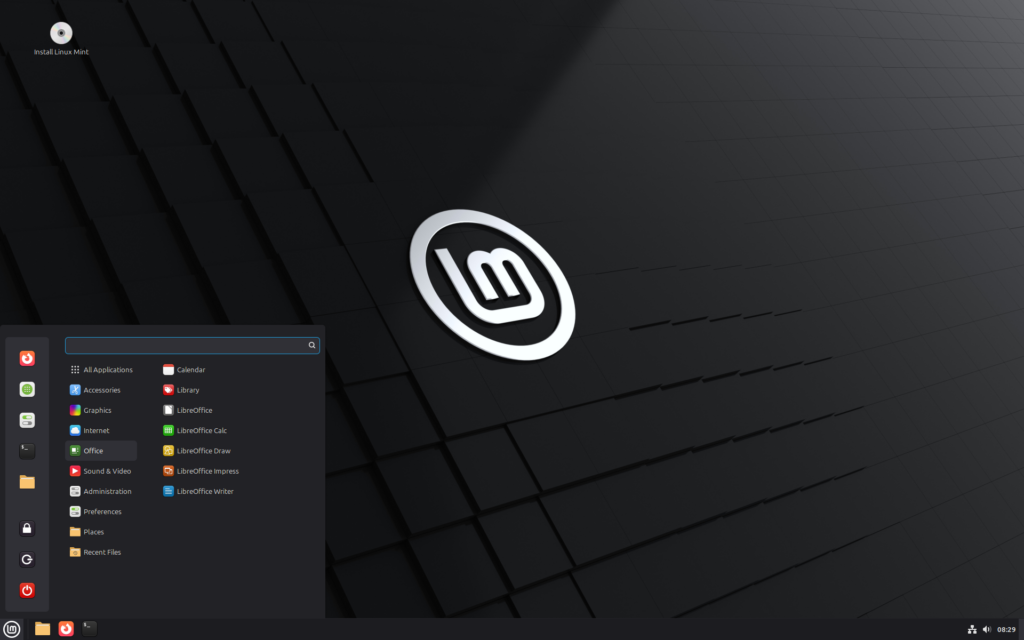
If you were to look up Linux Mint in the dictionary it would say, “If you used to be on Windows and you don’t want to spend 3 hours setting up, start with me.” It’s true! It’s a great choice to wet your palette for Linux without scaring you off! There is no major learning curve, no scary terminal deep dives (yet), and it has a large community to keep the updates very stable. Now, I’m also not the type of person to try every distro to find the perfect fit. If its good enough and its scratches the itch, I’m happy until doesn’t anymore. * COUGH COUGH *Windows…

Now, unlike windows, Linux has a live ISO feature, a try before you buy (not really since its already free…), allowing you to pilot the OS before committing to a full install. Personally, I do this for probably an hour to get the general feel if its a fit. If I get good vibes then we move onto phase 2, Dual Booting.

I have a 500GB M2 completely used up for Windows, 2 1TB SATA SSDs for Games and 2 4TB 7200K 3.5″ Mirrored for Archives. To start, I don’t want to screw around with shrinking the partition on the M2. With my luck I’ll screw that up and bork the OS. Instead, I consolidated all my games into the M2 and one of the SSDs. The other SSD, I cut in half, making a Ext4 partition and installed Mint there.

My List of Demands
Now hold on a minute. Just because I settled for Mint doesn’t mean I’m not going to hold it to a high standard. This OS transition for me, I’m looking for minimal compromise. No “well I guess I don’t have a mic…”, “Camera only works when I’m on battery”, and my favorite “It sometimes wakes up from sleep, sometimes…”. If this is going to be my daily driver, then it has to work and work well.

These are my must haves:
- Gaming has to work, 100%.
- VR Gaming also has to work 100%
- Desktop Mirroring, a real-time screen view, without display lockouts or ghost sessions
- Office docs and spreadsheets and file/folder syncing
- Easy to use CAD Software and 3D Print slicers, I need to still be able to make and design stuff
- Code Editor/IDE and Media Control (Sonos mainly)
If I can easily check off all 6 of these I think I can make the switch full time.
Gaming on Linux, Steaming straight ahead!
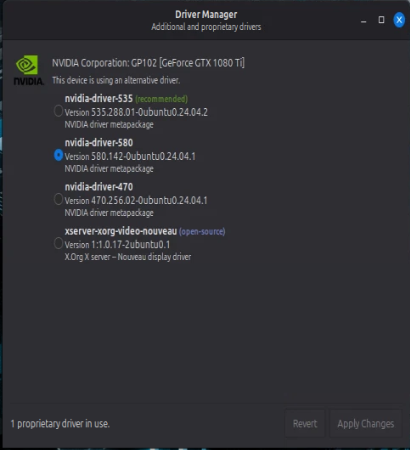
Thankfully this one was actually easy. Mint comes pre-packaged with a driver manager and already knows how to pull and update Nvidia Drivers.
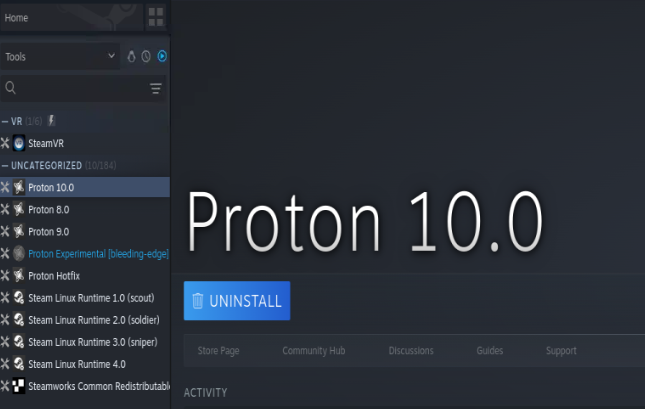
For the actual games themselves, because Steam is an absolute chad, its client is Linux native and Valve has done an insane amount of development into their compatibility layer they call Proton. I mean, the Steam Deck runs Linux, so it only makes sense that they would RnD their own products 🙂
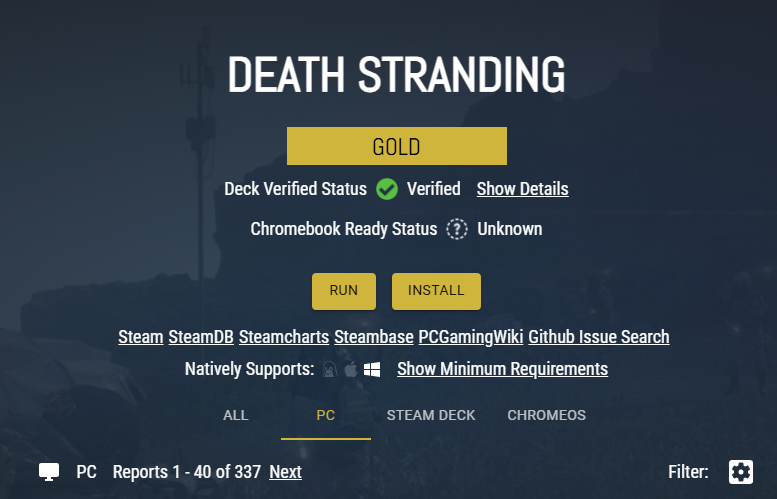
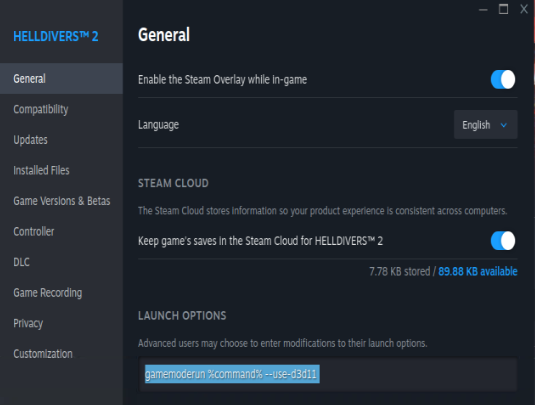
Even better, if you have a game that doesn’t work out of the box, you can get help on ProtonDB. It has thousands of games, ranking how well they run on Linux/Steam Deck and what startup tweaks you can plugin to make your game run better.
VR on Linux: when Proprietary meets Open Source
Being that this is just Steam with VR after it, this should be a breeze right? Kind of…. The good news is Steam VR works great out of the box! The bad news is, getting the Oculus 3 to connect to it via Wi-Fi is a bit more challenging. Its a good thing the FOSS community has the pioneer spirit!

Enter Air Lite VR (ALVR), magical middleware that connects the Oculus over the air to an end point like Steam VR. Basically you run this streamer on the PC that is running steam, and it scans the network looking for your Oculus. On your Oculus you run the ALVR app (from the meta store) and it then connects to your streamer. With some tweaks its just as good as native Steam VR!
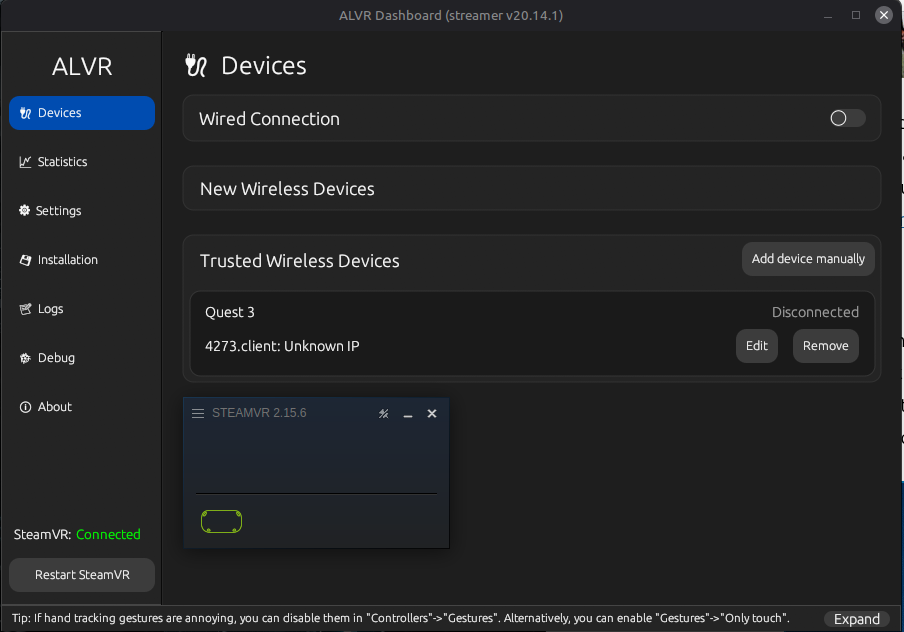
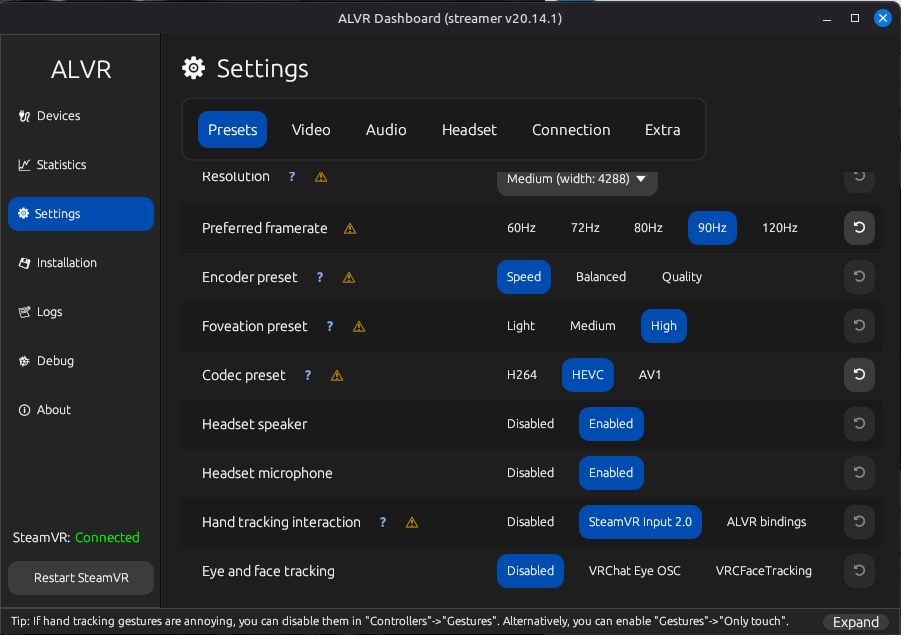
“So why can’t you just use the Steam VR app on the Oculus and just connect directly?!” – you getting hysterical. Steam VR and Steam Link on the Oculus do connect but in a sit down gaming experience and not in a VR space. So its great for sitting on the couch with a Bluetooth controller, streaming your game to the headset and playing it on a movie theater screen.

Remote Access on Linux: VNC > RDP
This next one is a doozy, elegant Remote Access. First off, I had to figure out how VNC worked, essentially the RDP of Linux. Unfortunately its not completely straight forward to get running, especially the way I wanted it. I was looking for a Remote access experience similar to RDP but better.

Example, in RDP if I remote in and move all the icons around, then physically log back into my PC I’ll see that my icons moved all around. VNC is a little different, based on how you connect you might end up with a different session, where on logging in physically it looks like nothing happened. I wanted to crank it up to the next level where not only does it use the same desktop session, but it mimics as if I were standing in front of my PC physically using it.

Painting the scenario, if you are standing in front of my PC, you’d see the mouse start moving, me typing in my password, and start to do things. That way when I’m done remoting in via my laptop or my phone I can just pickup where I left off when I get back on my desktop. In order to get this done, I needed to make a system service that kicks on when my PC boots up to start the VNC server and ensure that it uses the primary display aka the monitor.
[Unit]
Description=Share :0 via VNC from boot
# Start after cinnamon comes up
After=lightdm.service
# Only run when cinnamon is running
Requires=lightdm.service

[Service]
Type=simple
# Wait 10s to give the OS a chance to get going
ExecStartPre=/bin/sleep 10
# Run the VNC server on the main display, for forever (even after client disconnects), use my super secret password file to authenticate, and set the screen to 1080p
ExecStart=/usr/bin/x11vnc -display :0.0 -forever -shared -rfbauth /home/frank/.vnc/passwd -ncache 0 -auth /var/run/lightdm/root/:0 -geometry 1920x1080 -wait 10 -defer 5
Restart=on-failure
TimeoutStartSec=15

[Install]
WantedBy=multi-user.target
With that sucker in play, I can reboot, then hit up Remmina or Apache Guacamole and remote into my PC as if I was standing in front of it!
Office on Linux: Spreadsheets running on Freedom
Being already on Next Cloud Office, Collabora handles a lot of my office needs in the browser. Its basically Google docs, sheets, etc.
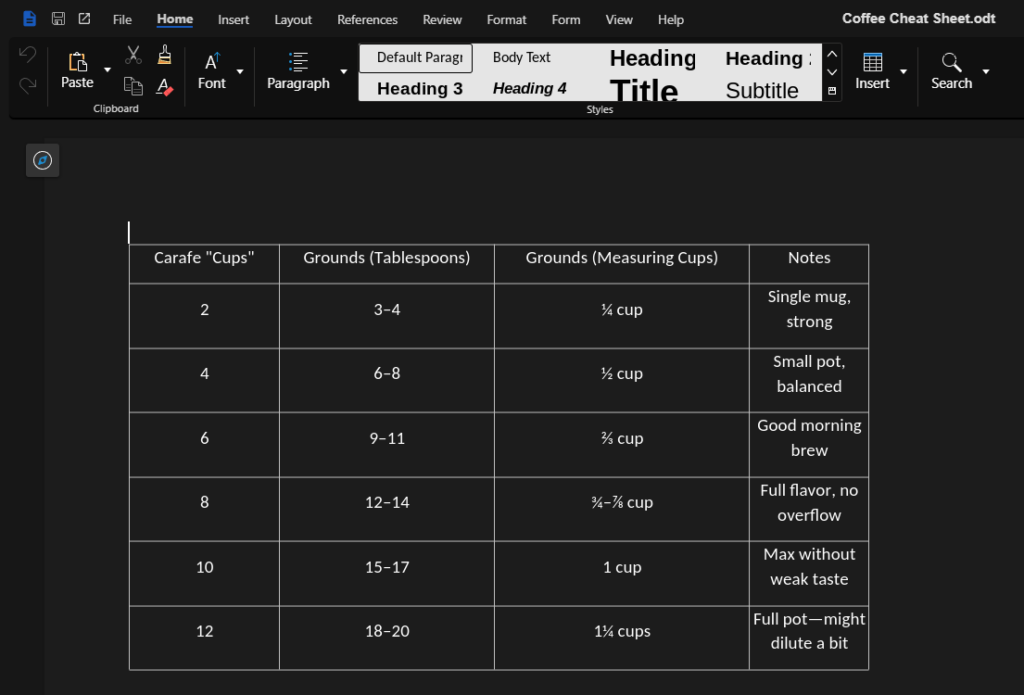
But I wanted a desktop version that lets me sync up with what I have in the web. Something to go toe-to-toe with Microsoft’s OneDrive sync. Again, Next Cloud has that covered with their desktop client.
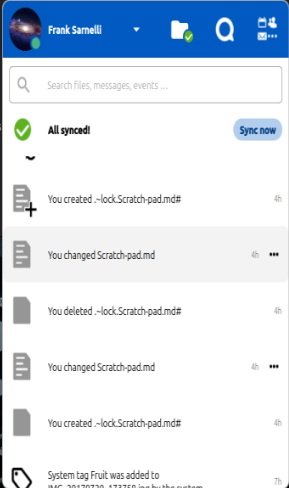
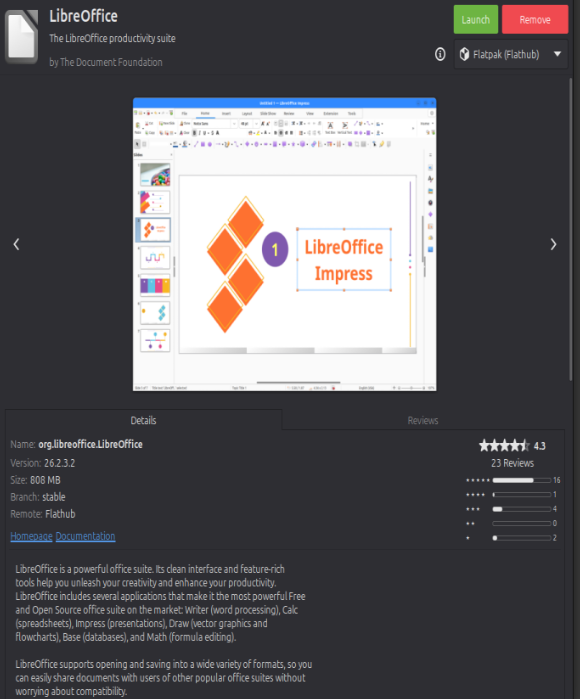
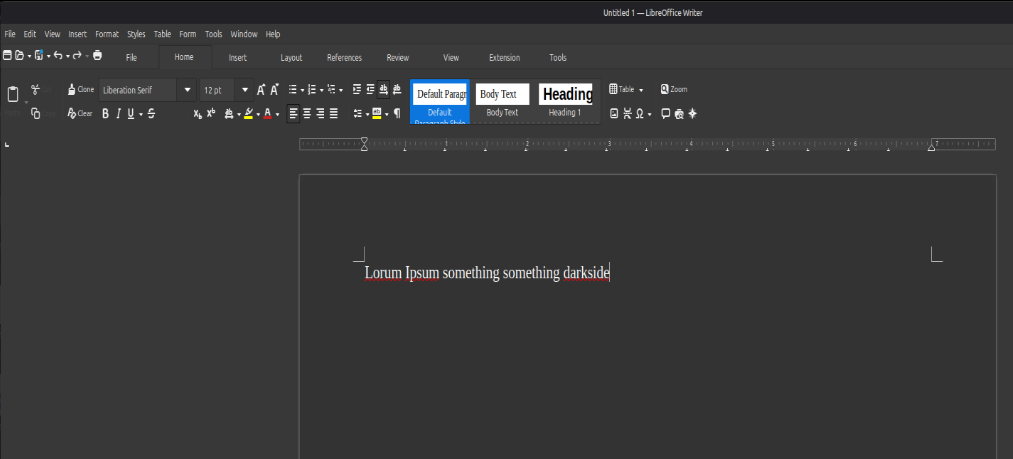
To actually do the office tasks, I decided to go with Libre Office. The Next Cloud office works fine, but I like the warm and fuzzies of using a local desktop office app. The other option is Apache Open Office. During my college years I explored open office when Microsoft started switching over to a subscription model. I didn’t feel like paying $ per month to write a paper. The problem then is the same problem now, there isn’t enough polish yet. It still feels clunky and sluggish. Now Libre has its share of slowness and rough edges, but its the lesser of two evils in my opinion.
Coding on Linux: IDEs without Big Brother
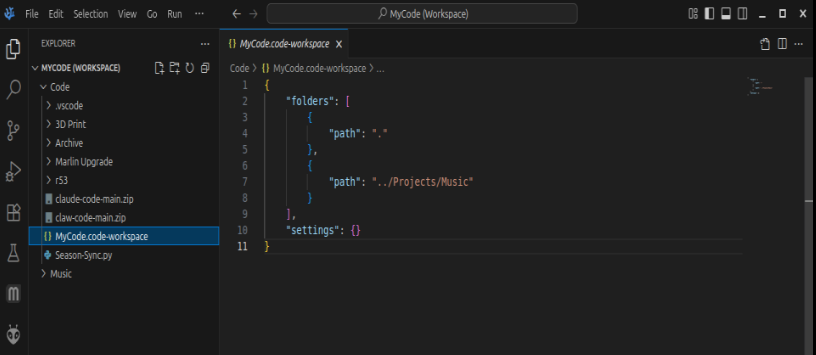
Moving onto code, there are a lot of options in the Linux space, my problem with them is they are a little too open source… I’m used to something like VS Code. Well it just so happens that Microsoft has a build for Linux!

Yes, well there is a catch! Remember when I mentioned that they are more draconian than I’m used to… In VS Code, there is a ton of telemetry and diagnostic logs that all go back to Microsoft. “But VS Code is open source! None of that is in there!” Oh you sweet summer child, you are absolutely right. However, they inject all of that code into the builds, so you don’t see it.

So, to work around that, the FOSS community has made VS Codium. From their website:

When we [Microsoft] build Visual Studio Code, we do exactly this. We clone the vscode repository, we lay down a customized product.json that has Microsoft specific functionality (telemetry, gallery, logo, etc.), and then produce a build that we release under our license.
When you clone and build from the vscode repo, none of these endpoints are configured in the default product.json. Therefore, you generate a “clean” build, without the Microsoft customizations, which is by default licensed under the MIT license
Works very similar to Google Chrome and Chromium. All the fun and none of the spying!
CAD, Slicers and Speakers! Oh My!
On Windows I started my CAD journey using Blender, then realizing I’m using spray paint to draft a blue print, I switched to Fusion 360. The problem now is Fusion doesn’t offer a Linux install. So I was left with running it inside of a VM, which for me I’d rather pull teeth, or find an alternative. Turns out there is a very strong alt out there called FreeCAD!
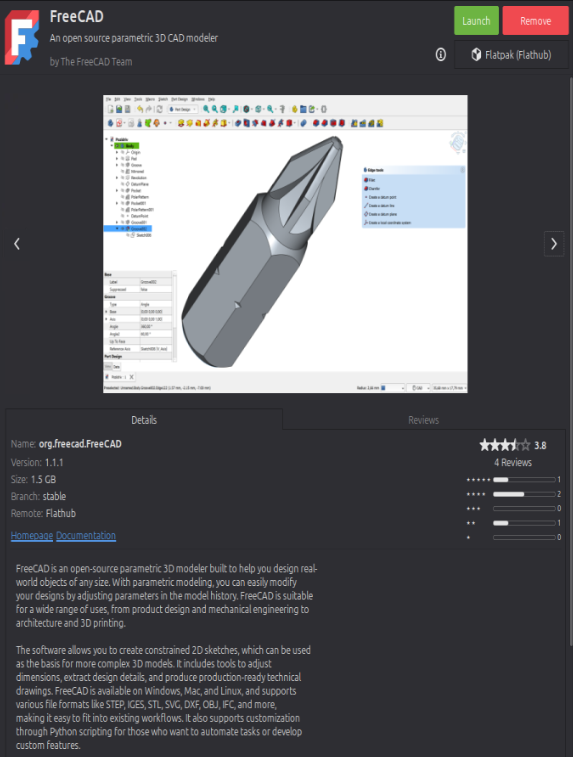
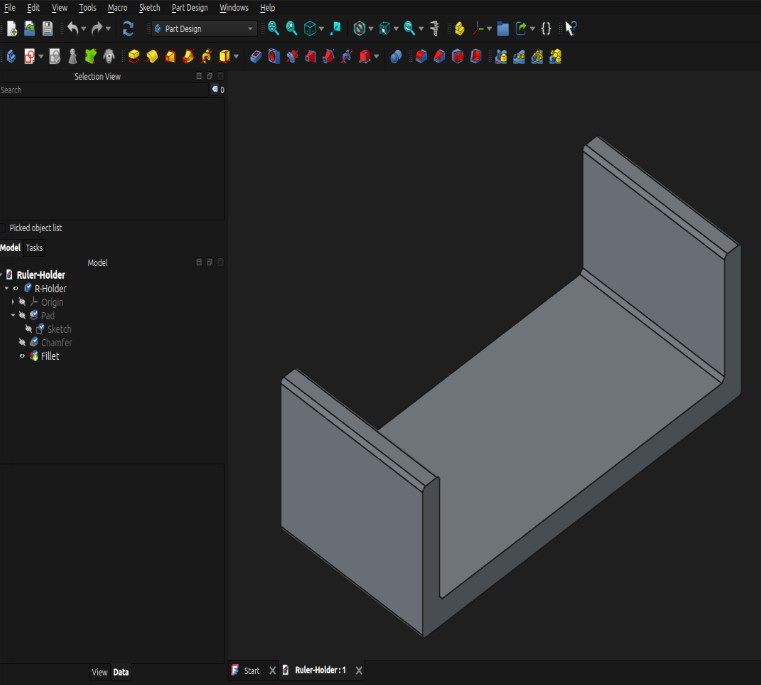
Compared to my other options, FreeCAD is the Linux Mint of CAD Software. Its got the cleanest interface, the most straight forward ways to build things. Its not as good or easy as Fusion 360, but its pretty damn close.
Next was the Slicer for my 3D printer. This one was a slam dunk because I already was using something that runs native on Linux, Orca Slicer! I mentioned this slicer in my last Printer upgrade post, so you can learn more about it there.

In my house, we rock with Sonos. Unfortunately, like Fusion 360, Sonos doesn’t offer a native Linux build. Now, doing a little foreshadowing here, I did install Home Assistant and integrate it with Plex and Sonos, so I can control all of my media via the browser.
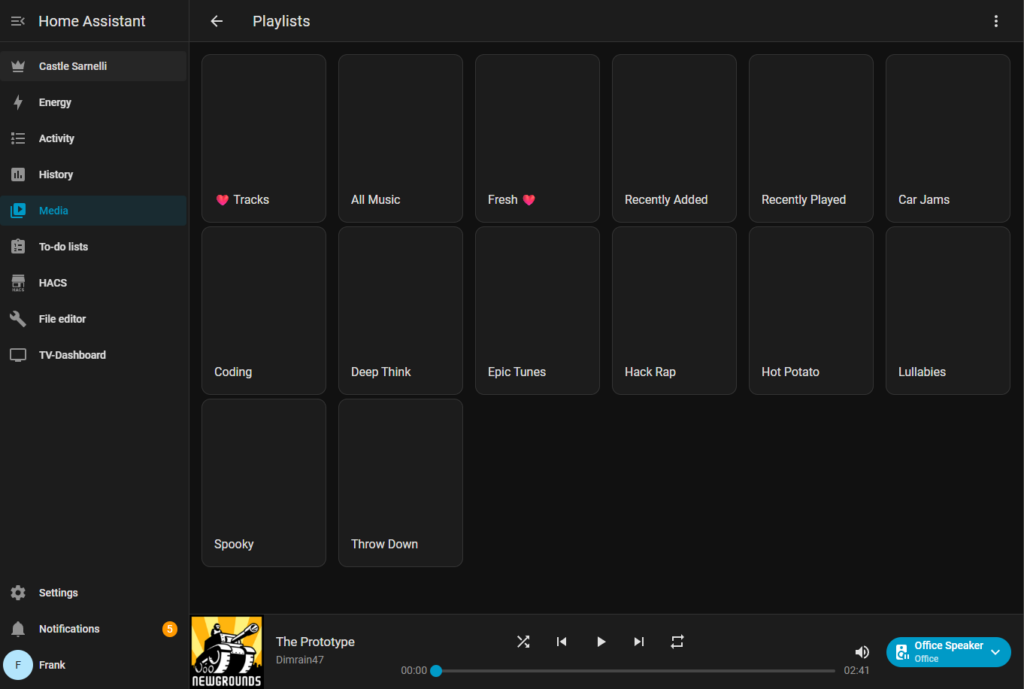
Again, there is something about having that local desktop charm 🙂 Going through my alt options, the one that nailed it was Noson, a Sonos controller for Linux.
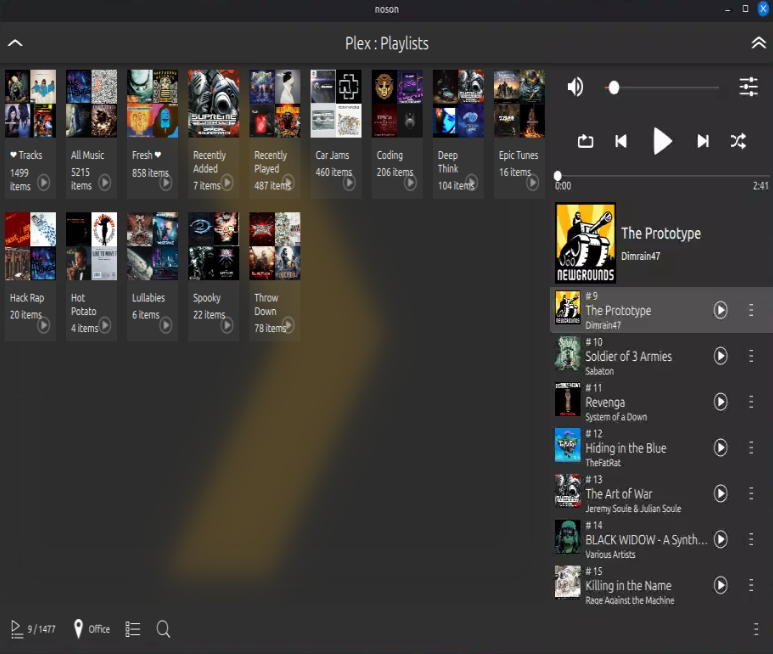
That wraps it up, all check boxes have been checked. So lets review if it was worth it.
Huffing too much Copium or Am I actually enjoying it?
I started this journey in April 2025, it started off as a lets just dip my toe in the water and see if we like it. In the span of 3 months, I fully converted my desktop to full Linux, all my drives are available for use, and it became my daily driver. A month after that, I switched my laptop to Mint as well. In less than 6 months, I went from a digital jail cell to enjoying true freedom.

I am still dual booting Windows, mostly because my work apps require it. Otherwise, I’m all in on Linux. Looking back, would I expect my wife or my mom to also make this jump? Hell no…. unfortunately you still need some technical prowess to make it here. However, I will say it was much easier to do this time than when I tried this 10 years ago.
Benjamin Franklin once said
“Those who would give up essential Liberty, to purchase a little temporary Safety, deserve neither Liberty nor Safety.”
You have a choice, you always have. You can have it easy, cough up the dough and let the big guys steam roll you because they think you are in a helpless. Or you can roll up your sleeves and take back control, and flip off the system like Richard and Linus. Its up to you! Live dangerously, walk the edge, and have fun! 🙂

The next frontier of my data privacy journey is Android. I mentioned in the beginning Google is starting to get a little too Apple for my liking. Especially with their decision about blocking side loading and only allowing apps from the app store if the developer pays a special Dev Fee. Until the next one friends!